Press ID Card Apply Online: The Ultimate Guide for Media Houses
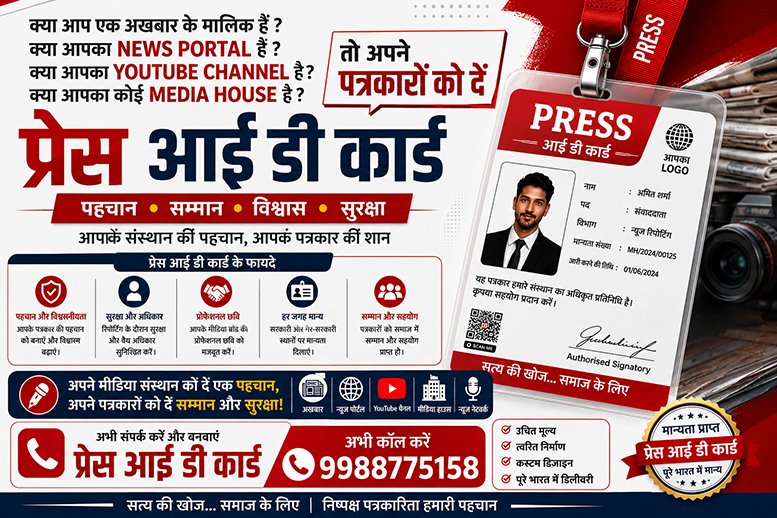
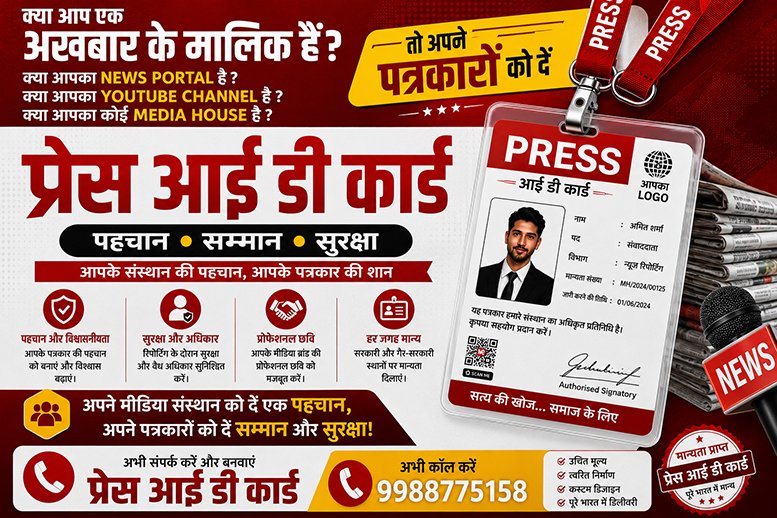
Are you running a fast-growing YouTube news channel, a web news portal, or an RNI-registered newspaper? If so, you have probably searched for "Press ID card kaise banaye" or "Press ID card apply online" on Google.
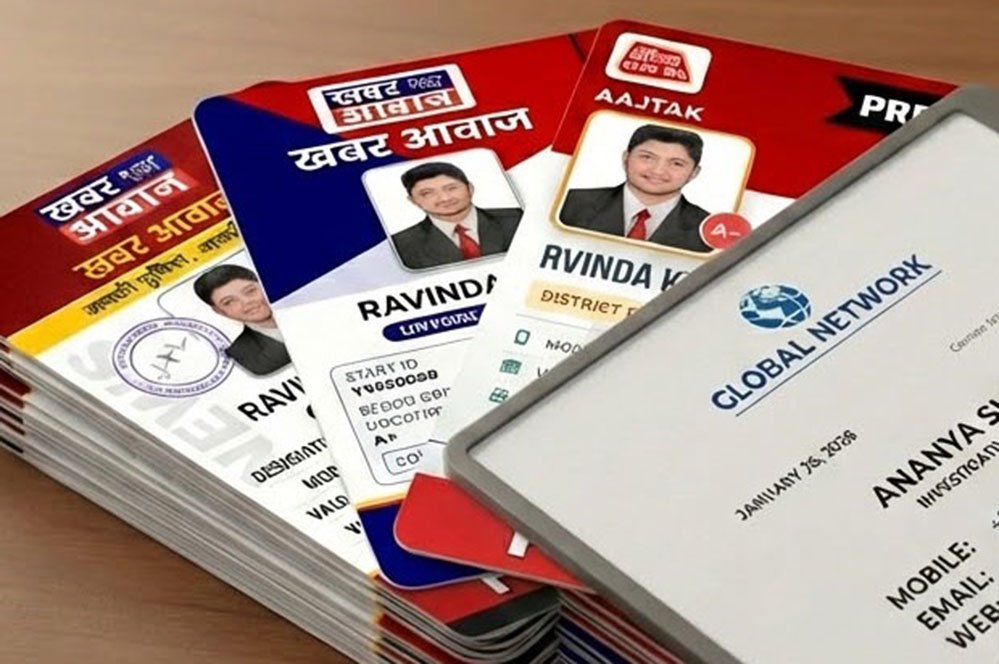
Providing a valid, verifiable identity to your field reporters is the most crucial step in building a legitimate media brand. Traditional printing presses charge hefty fees, take days to deliver, and produce plastic cards that can easily be faked. It's time to upgrade!
Welcome to PRESSID (pressidcard.com) — India’s most advanced and trusted SaaS platform designed to solve all your media identification problems.
Why Do You Need a Digital Press ID Card?
Before diving into how to apply, let's understand why the modern media landscape requires a digital ID:
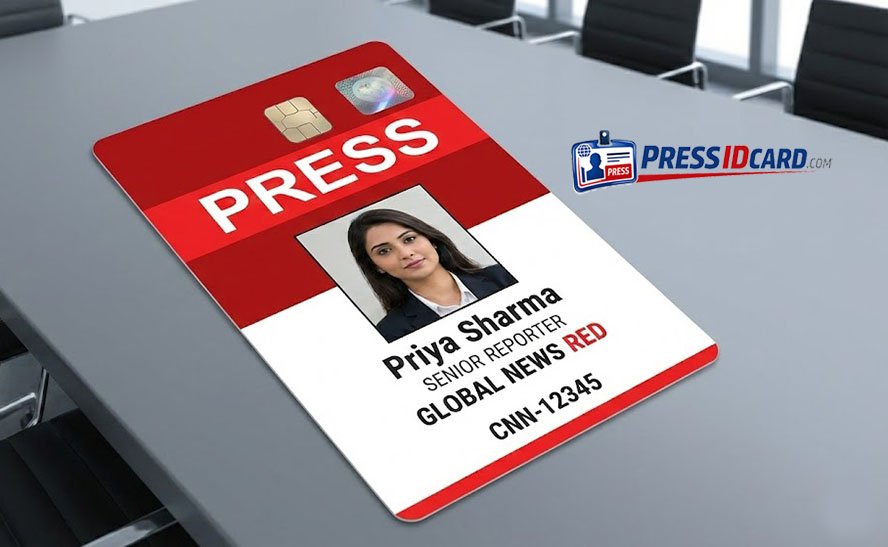
- Prevent Fake Reporters: Ground reporting requires authenticity. A QR-verified digital ID ensures that no one can misuse your channel's name.
- Instant Verification: Police, government officials, or event organizers can simply scan the dynamic QR code on the card to check if the reporter is "Active" or "Suspended" in real-time.
- Administrative Control: With a digital system, you hold the power. If a team member leaves, you can block their ID card with a single click from your admin panel.
Get More Than Just an ID: The 6-in-1 Media Kit
When you search for "media card banaye," you shouldn't settle for just a basic ID card. Professional journalism requires proper documentation. With PRESSID, generating one identity automatically creates a complete 6-in-1 media kit:
- Press ID Card: High-quality, digital, and print-ready.
- Authority Letter: Essential for covering sensitive beats or events.
- Appointment Letter: Official HR document for your staff.
- Visiting Card: For professional networking.
- Mic ID: Standardized branding for your reporting equipment.
- Car/Bike Sticker: "PRESS" vehicle identification pass.
Step-by-Step Guide: Press ID Card Apply Online
Generating a press card has never been this easy. Follow these simple steps to set up your automated ID system in under 2 minutes:
- Register Your Media Portal: Visit pressidcard.com and sign up as an Admin. Customize your dashboard with your channel's logo, RNI number, and social media links.
- Share the Joining Form: No need for manual data entry! Simply copy your unique portal link and share it with your reporters via WhatsApp.
- Reporter Fills Details: The reporter clicks the link, uploads their photo, and submits their details securely.
- Admin Approval: You get a notification in your dashboard. Verify the details and click "Approve".
- Instant Download: The reporter can instantly download all 6 verified documents directly to their phone as high-quality PDFs!
Frequently Asked Questions (FAQs)
Q: Press card kaise banta h? (How is a press card made?) A: With PRESSID, it is completely digital. You create an admin account, your reporters fill out an online form, you approve it, and the system automatically generates a QR-verified PDF ID card.
Q: Is the digital press card valid for YouTube channels? A: Yes! Whether you are an RNI-registered newspaper or an independent digital media/YouTube channel, PRESSID provides a robust platform to manage your team's internal identification.
Start Your 100% Free Trial Today!
Are you ready to transform your news portal? We are currently offering the first 2 Press ID Cards absolutely FREE! No hidden charges, no credit cards required.
Contact Us Today: 📞 Mobile: 6262454525 🌐 Website: pressidcard.com