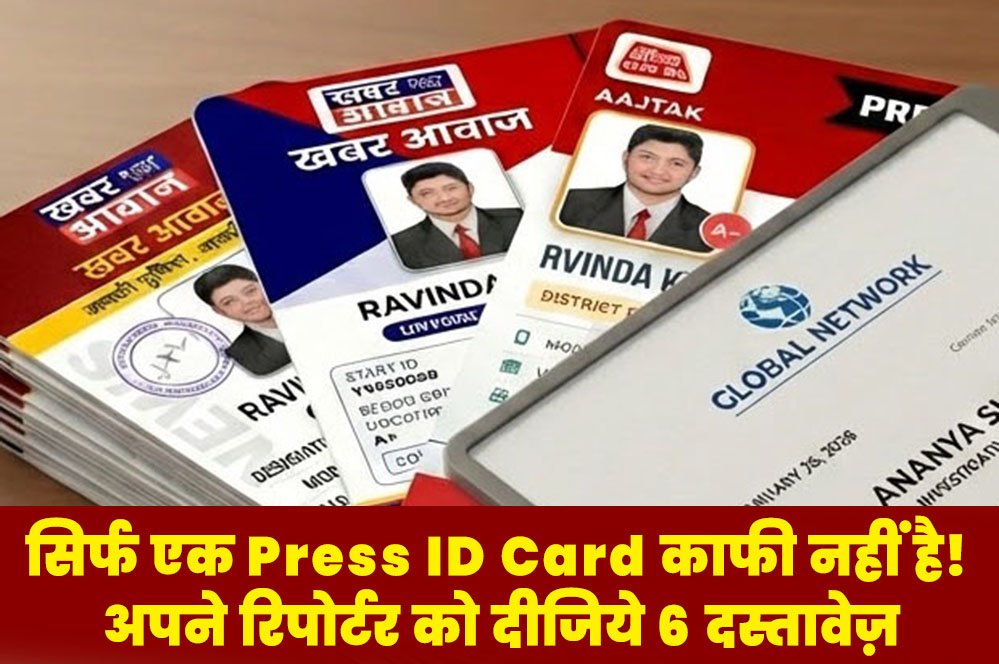
If You Are Running a News Portal, Web Media, or YouTube News Channel, Having a Valid Press ID Card for You and Your Team is Most Important.
Ground reporting without a Professional Press ID Card is not only difficult but can sometimes be legally risky.
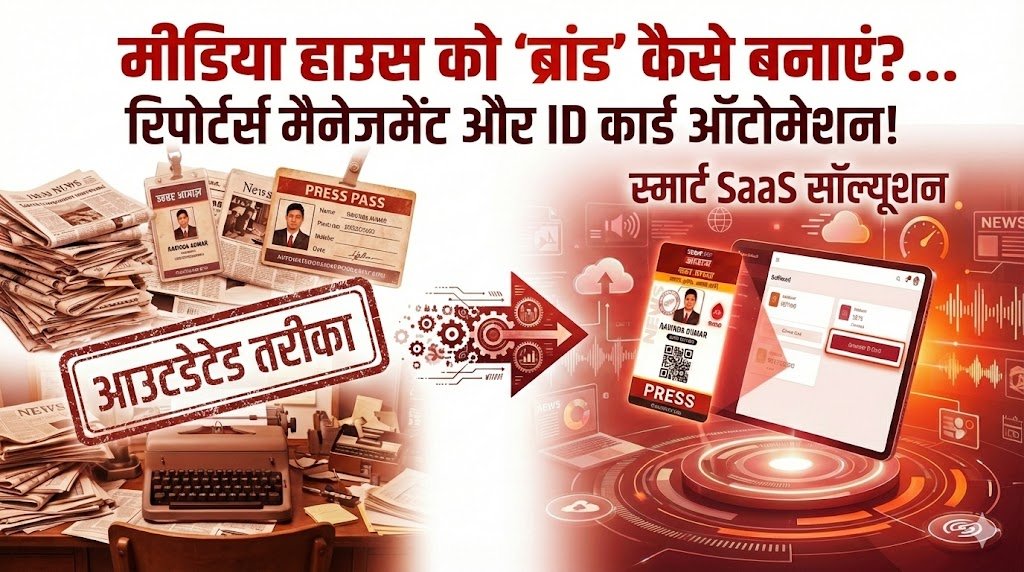
It is often seen that media owners keep chasing graphic designers just to get a Press ID Card made. But did you know that a simple Press ID Card made with Photoshop is no longer accepted by the administration? In today's digital era, you need a Press ID Card that is high-tech and can be verified instantly.
Why is a Valid Press ID Card Necessary?
When your reporter goes for coverage at an incident spot, rally, or government office, security officers check their Press ID Card first.
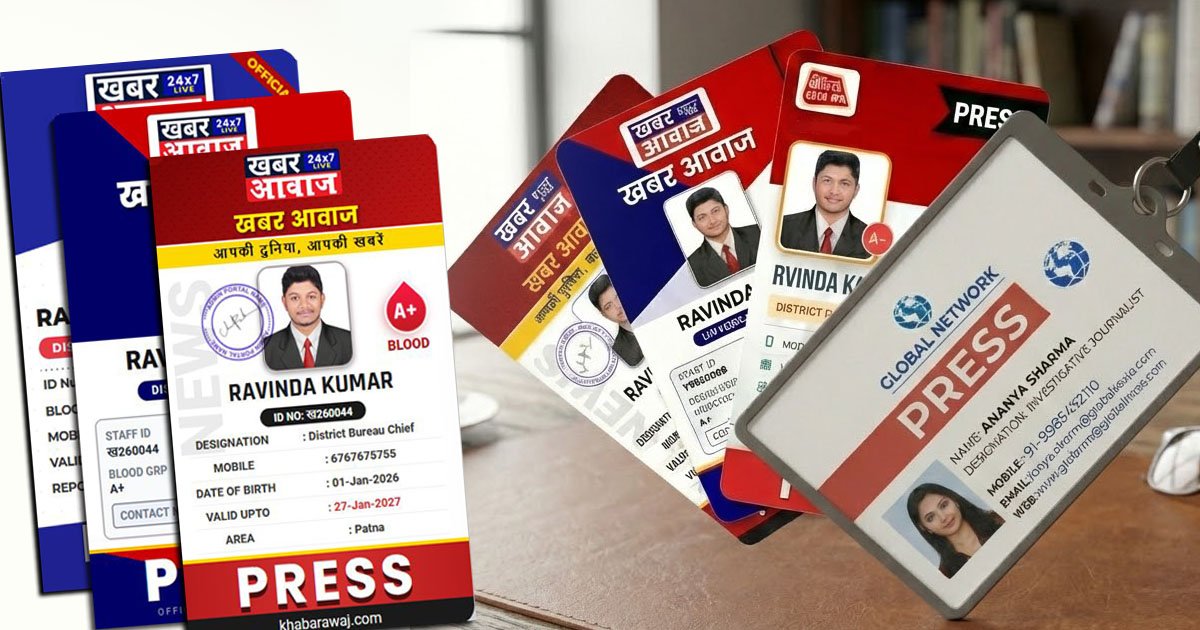
- If your Press ID Card only has a name and photo, it can be considered 'Fake'.
- But if you use a Press ID Card made from our system, it has a Unique QR Code.
- As soon as the police scan it, it gets verified immediately. This is the identity of a Real Press ID Card.
PRESS ID Portal: Your Own Press ID Card Maker
Our portal is India's No. 1 platform that allows news portals to create Automatic Press ID Cards. Let's see how this system makes your work easier:
1. Press ID Card Ready in 2 Minutes
Now you don't have to wait for designers. On our portal, you approve the reporter's data, and at that very moment, a High-Quality Press ID Card is generated. You can download and print it instantly.
2. 6-in-1 Media Kit (Not Just a Press ID Card, But Much More)
Just a Press ID Card is not enough. A reporter also needs an authority letter and stickers to work in the field. Our system automatically creates these 5 documents along with the Press ID Card:
- Authority Letter: Permission letter for coverage.
- Appointment Letter: Proof of employment.
- Media Certificate: Membership certificate.
- Visiting Card: Contact card.
- Vehicle Sticker: Sticker for the car/bike.
3. Secure and Smart Press ID Card
The Press ID Card made by us is not a simple plastic card. It is a Smart Card. The reporter's entire history (data) is saved in digital form. If you fire a reporter, you can block their Press ID Card from the dashboard, so they cannot misuse it.
How to Apply for a Press ID Card? (Step-by-Step)
- First, Register your news channel on our portal.
- Copy the 'Joining Link' from the dashboard.
- Send the link to your reporter so they can fill out the form for the Press ID Card.
- Check the reporter's form and click 'Approve'.
- Voila! Your digital Press ID Card is ready for download.
Conclusion
If you want to make your channel big, stop manual work today. Give your reporters a Press ID Card that makes them stand out in the crowd and provides security. Remember, a Professional Press ID Card is the first introduction to your journalism.
🎁 Offer: Register today and create your first 2 Press ID Cards absolutely FREE!