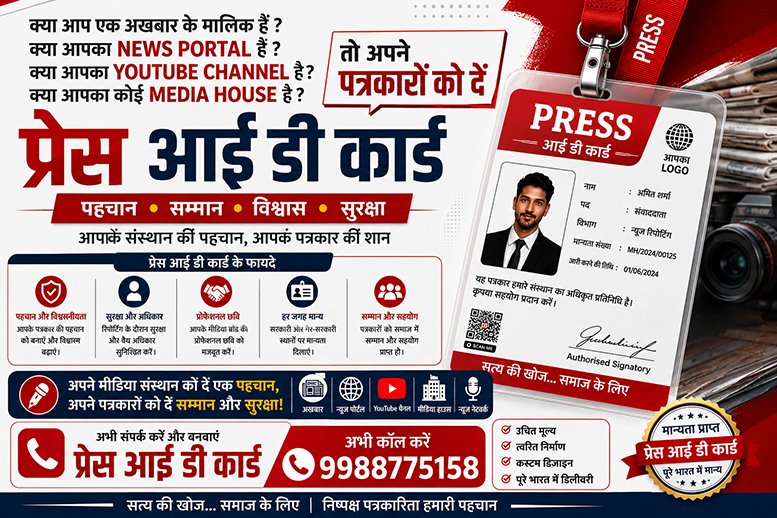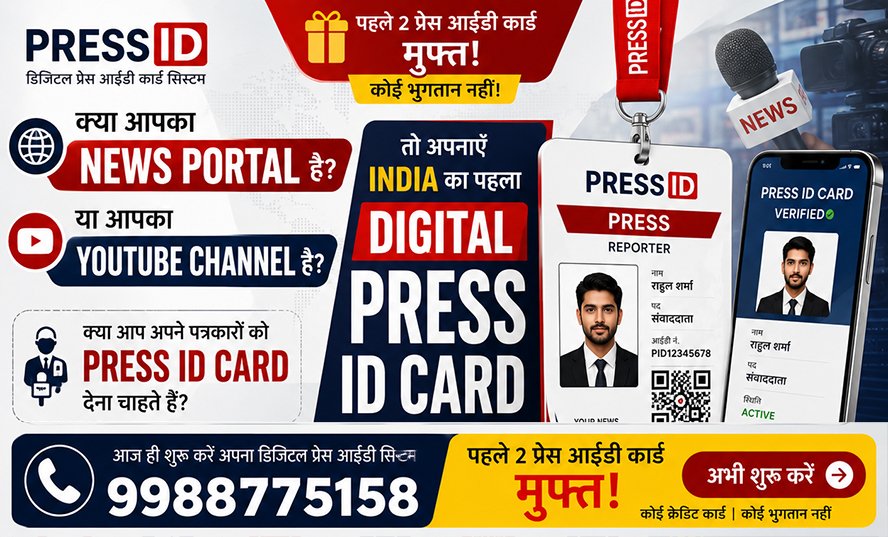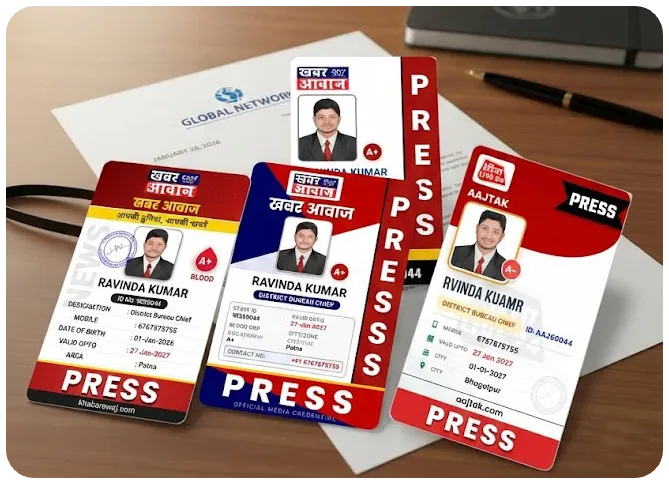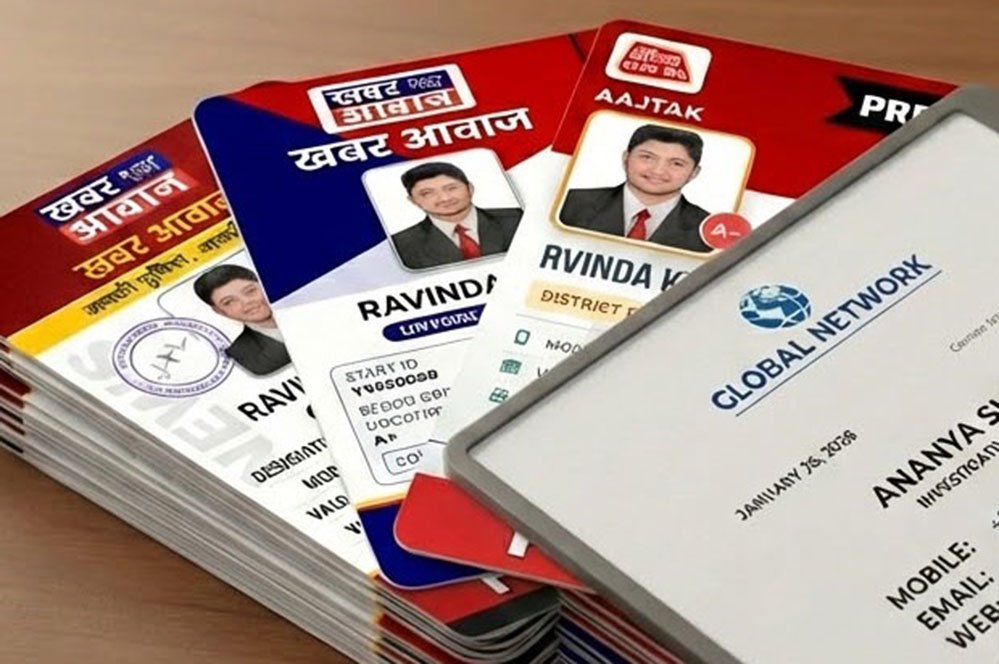
In today's digital era, the nature of journalism has completely changed. A Journalist ID Card (Press ID Card) is no longer just an identity card hanging around the neck; it has become a powerful professional tool. Whether it's entering a press conference, gathering information from a government office, or reporting from an incident spot—a valid Press Card is what separates a reporter from the crowd and grants them special rights.
In the past, making an ID card was a long and tedious process, but today, the facility to create Online Journalist ID Cards has made it a matter of minutes. Let's learn how you can create a professional and high-tech media pass for your News Portal or YouTube Channel.
What is a Journalist ID Card and Why is it Important?
In simple words, a Journalist ID Card is an official document issued by a news channel, newspaper, or digital media house to its reporters, anchors, and cameramen. It certifies that the person is an authorized representative of that institution.
5 Big Benefits of a Professional Press Card:
- Credibility: This card enhances the reporter's credibility and proves that they are associated with a recognized media institute.
- Special Access: Entry into police stations, courts, government offices, and VIP events is often granted only through a valid press card.
- Safety: While reporting during riots, protests, or emergencies, this card acts as a shield and ensures cooperation from security personnel.
- Professional Image: A high-quality digital ID card boosts the reporter's confidence, making people take them seriously.
- Facilities: Priority and concessions are often given to press card holders at many public places (railways, bus stands, events).
Process of Making Journalist ID Card Online (Step-by-Step)
Technology has made the process of creating ID cards extremely easy and secure. Here is the complete process:
Step 1: Choose the Right Platform
There are many ID card maker tools in the market, but a media house needs a platform that offers these features:
- ✅ QR Code Verification System (Most Important)
- ✅ PVC Print Quality Design
- ✅ 6-in-1 Document Generation (ID Card, Letter, Certificate, etc.)
- ✅ Mobile-Friendly Dashboard
Step 2: Registration and Profile Setup
After choosing the platform, you need to set up your channel profile:
- Register with the Channel Name, Email, and Mobile Number.
- Enter your RNI or MSME registration number.
- Upload the channel's PNG Logo (Transparent), Digital Signature, and Stamp.
- If you charge fees from reporters, you can also set up your Payment QR Code.
Step 3: Choose a Professional Design
You don't need to chase a designer. Modern platforms offer 25+ Premium Templates. Choose a design with the right colors and fonts according to your branding.
Step 4: Add Reporter's Data
You just have to fill in some basic information about the reporter:
- Full Name & Designation: (e.g., Reporter, Bureau Chief, Cameraman)
- Photo: (Passport Size, White Background)
- Contact: (Mobile Number, Email, and Address)
- Identity Proof: (Aadhaar or PAN Card Number)
- Date: (Joining and Card Expiry Date)
Step 5: Automatic Generation (One Click Magic)
As soon as you fill in the data and click 'Approve', the system automatically generates these 6 essential documents:
- Smart Journalist ID Card (For PVC Print)
- Authority Letter (For coverage permission)
- Appointment Letter (Proof of hiring)
- Journalism Certificate (Membership Certificate)
- Visiting Card (For professional networking)
- Press Vehicle Sticker (For car/bike)
Documents Required for Making ID Card
To make a valid card, you must have the following things ready:
For Media House:
- Registration Certificate (RNI/MSME/Udyam)
- High-Resolution Logo
- Office Address Proof
- Digital Signature and Stamp
For Reporter:
- Latest Passport Size Photo
- Aadhaar Card / PAN Card
- Educational Qualification (Optional)
QR Code Verification: The New Technology of Security
Old-school laminated cards don't work anymore. Today is the era of QR Code Verification.
How does it work? There is a unique QR code on every digital press card. When a police officer or a common citizen scans it with their phone, a secure webpage opens.
What is visible upon scanning?
- Reporter's Live Status (Active or Inactive)
- Channel Name and Logo
- Reporter's Photo and Designation
- Card Expiry Date
Its Benefits:
- Prevention of Fraud: No one can become a journalist by making a duplicate card.
- Instant Verification: It is known in seconds whether the card is real or fake.
- Control: If a reporter leaves the job, you can 'Block' them from the dashboard. After that, scanning their QR code will show 'Inactive'.
Conclusion
If you are running a News Portal or YouTube Channel, a Professional ID Card is your first necessity. It not only provides security to your reporter but also gives your channel an identity like a National Brand.
Digitize your channel today and give your team a smart identity!